Generate
Turn plain-language ideas into polished art directions.
VecSwift connects AI generation, precision editing, and real-world export so creators can move from rough idea to finished product inside one focused studio.
Turn plain-language ideas into polished art directions.
Clean layers and paths with production-aware controls.
Export SVG, DXF, EPS, PDF, PNG, and ZIP packs.

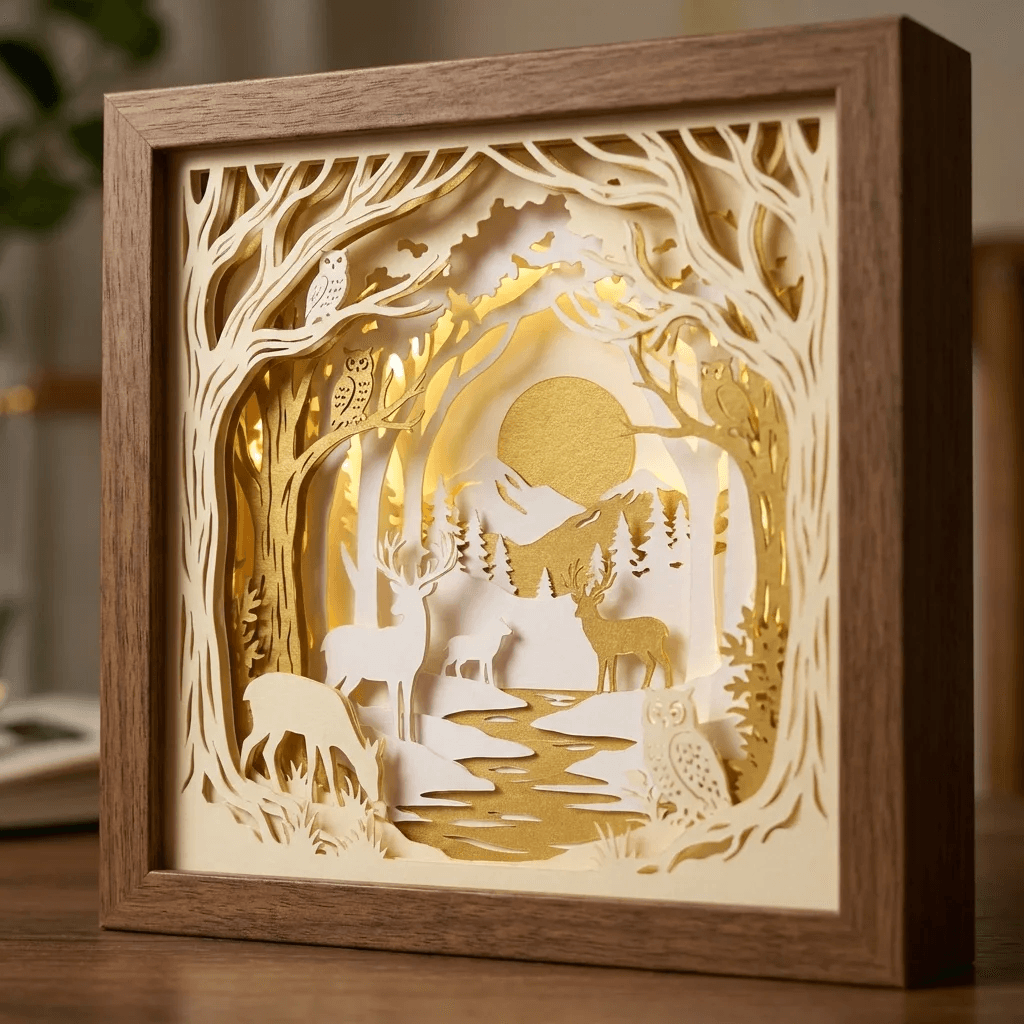
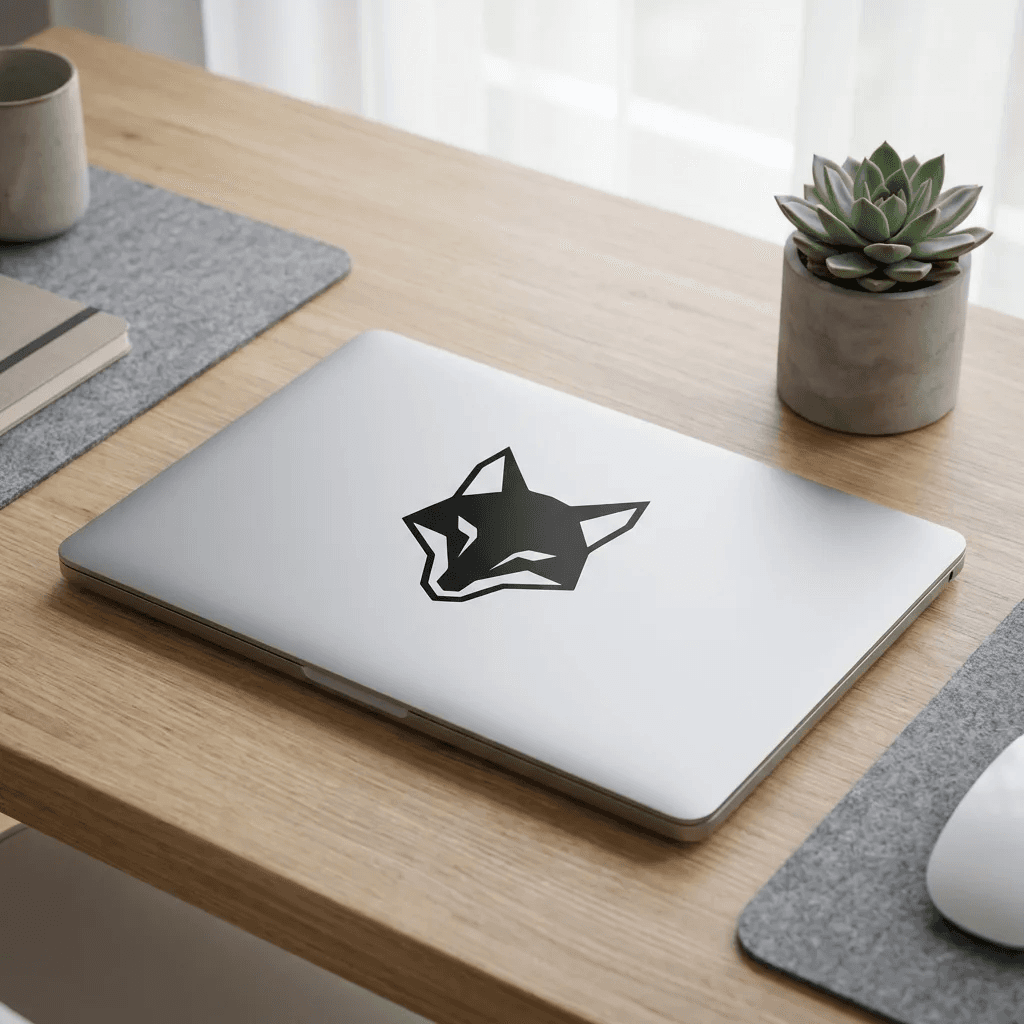
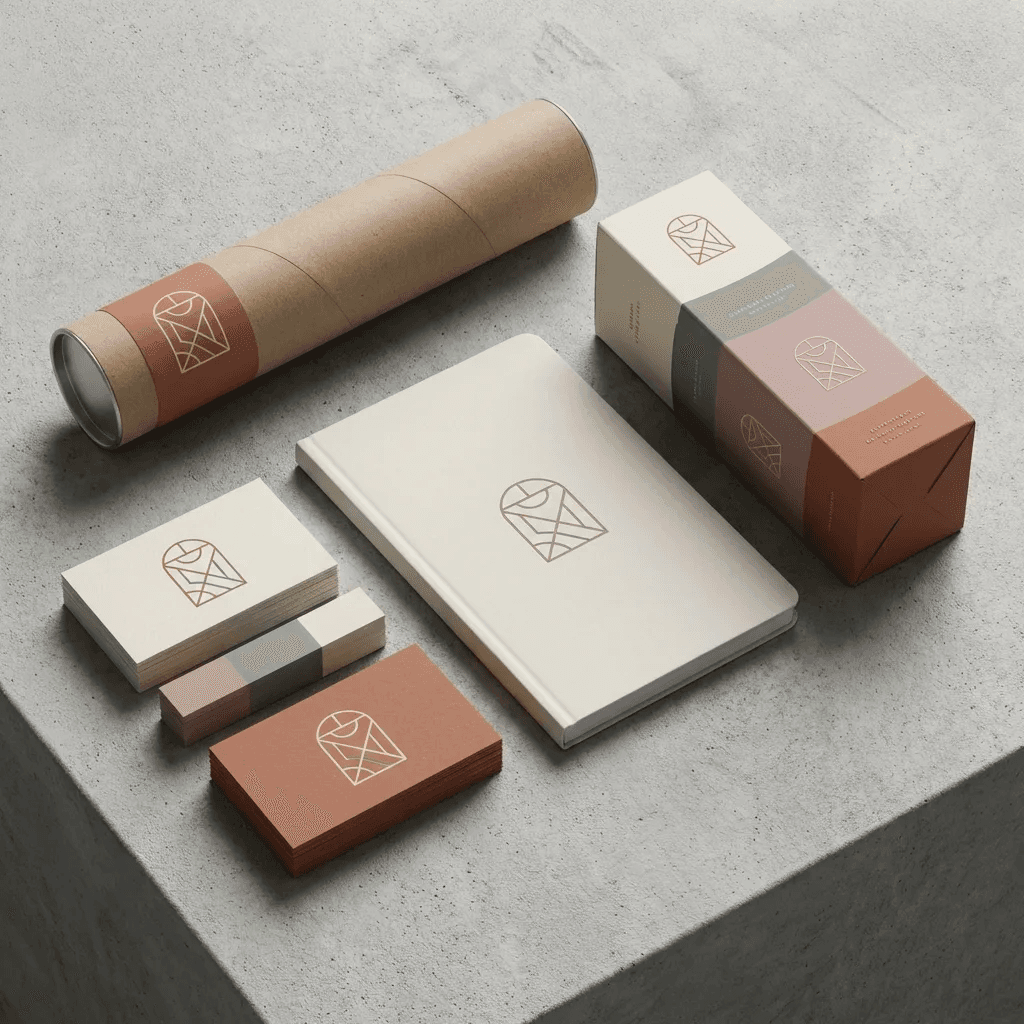

Users see exactly what they can make: layered papercraft, decals, merch graphics, and branded production packs ready for handoff.
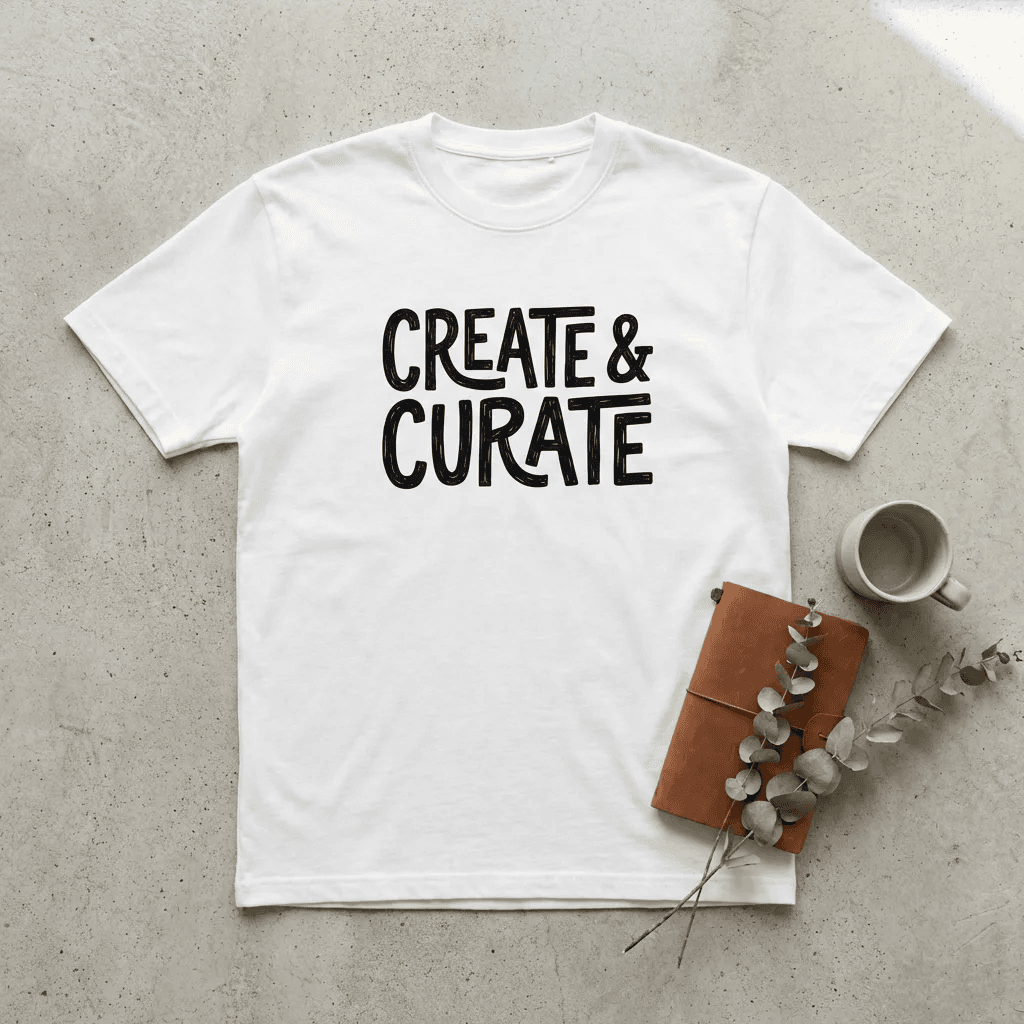
VecSwift keeps the experience art-first while still giving creators control over detail, output, and final polish.
Prompt
Create concept directions from plain-language intent.
Remix
Compare style options and lock the strongest direction.
Refine
Polish paths, layers, typography, and material geometry.
Ship
Export production packs without bouncing between tools.
Chapter 01
Begin with rough ideas and immediately get polished visual directions without rebuilding art by hand.
Chapter 02
Generate alternatives, compare options, and keep the strongest direction with cleaner vector structure.
Chapter 03
Adjust layers, clean paths, and finalize details so the design is ready for cutting, printing, or merch.
Chapter 04
Export validated packs for SVG, DXF, EPS, PDF, PNG, and ZIP handoff without switching apps.
AI upload flow
Every upload moves through a clear sequence: understand the source, generate stronger art directions, then finalize machine-ready output.
Upload anything
Bring photos, rough sketches, old exports, or screenshots. VecSwift turns raw input into editable art direction.
Generate and remix
Create style variations, explore composition options, and compare directions before locking your final design.
Refine and export
Clean layers and paths, run cutter-safe checks, and export production-ready packs for printers, cutters, and handoff.
Featured sample
Layered shadow-box scene
Maker output
Merch output
Business output
Shop output
Show real deliverables users care about: paper craft, vinyl, apparel, branding, signage, and laser-ready files.
Paper craftDepth-based scenes and greeting-card compositions with clean cut lines.
VinylFast-turn decal sets with smoother paths for cleaner installs.
ApparelPrint and press-ready designs for merch and limited drops.
BrandingReusable business graphics and export bundles for repeat jobs.
LaserLayer-aware geometry for panel and decor production runs.
SignageScale-safe artwork for signs, wraps, and display surfaces.
Start solo, collaborate with friends, and scale to studio operations with clear boundaries by plan.
Start with free creation tools, scale into shared workspaces, and keep one consistent path from first prompt to final export.
Essential cookies active.