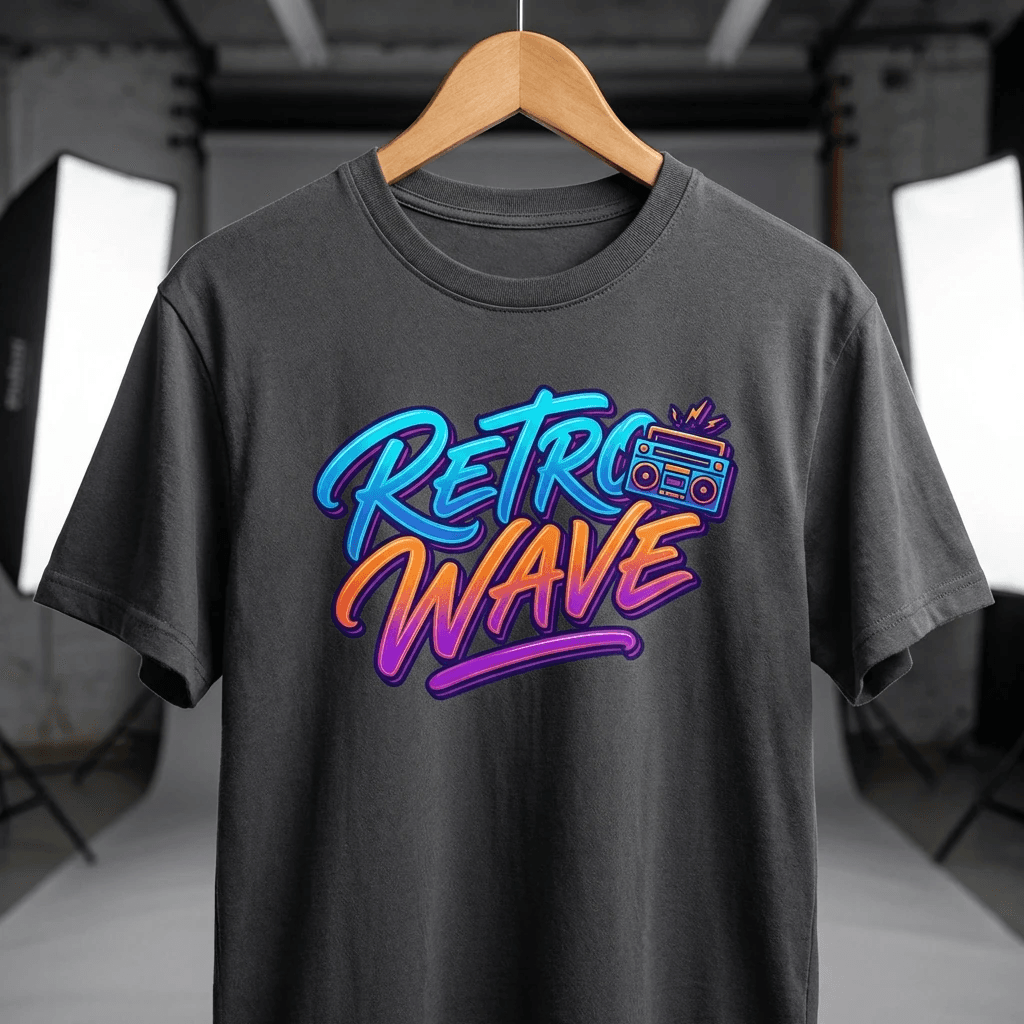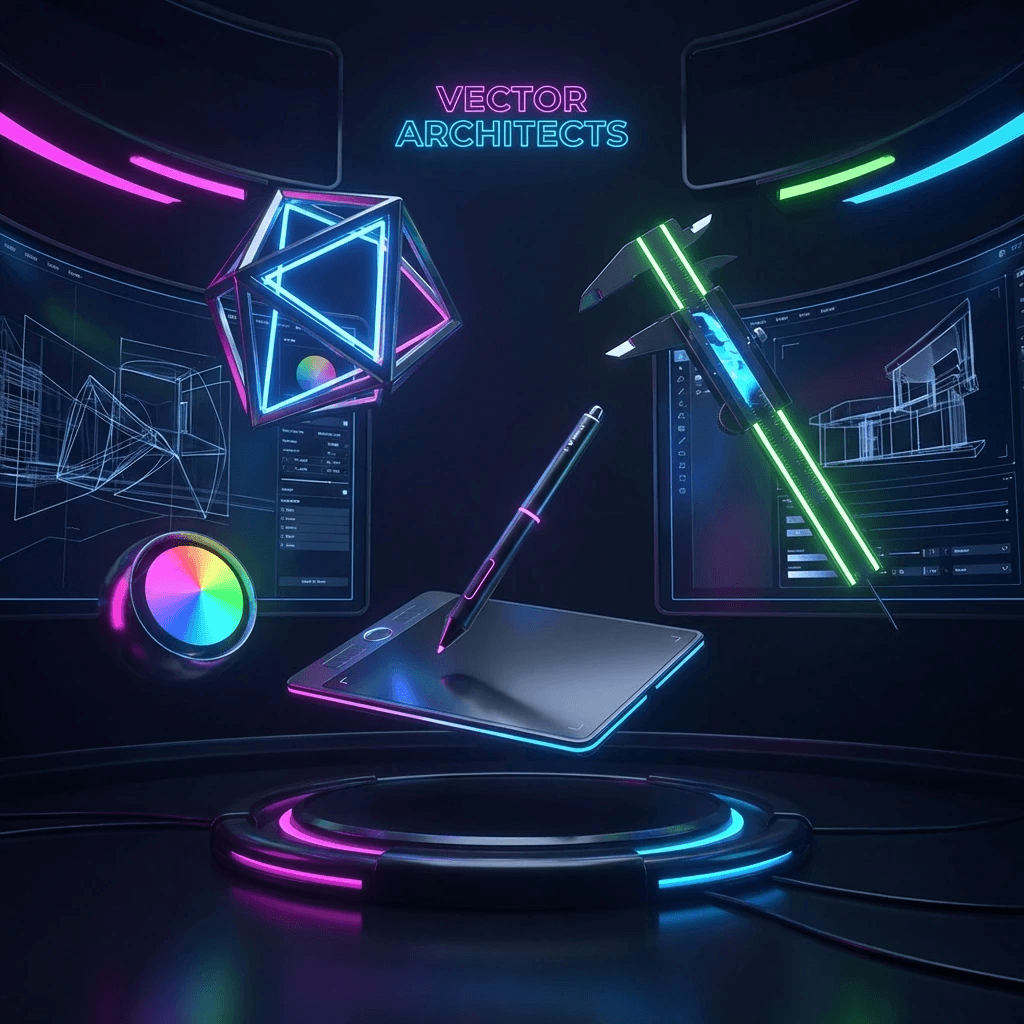
Feature deep dive

One creative engine from first prompt to final file pack.

VecSwift combines AI generation, upload remastering, precision editing, collaboration, and export validation in a single product built for creators.

Live feature scene

A guided creative engine users can feel.

Move from concept to validated output without switching across disconnected tools.

Concept direction board frame
AI direction

Concept direction board

Concept pass
Upload cleanup frame
Remaster

Upload cleanup

Vector cleanup
Editor finishing pass frame
Refine

Editor finishing pass

Production-ready
Concept direction board thumb
Upload cleanup thumb
Editor finishing pass thumb
Concept direction board thumb
Upload cleanup thumb
Editor finishing pass thumb
Creative journey

A chapter-based story users can scan in seconds.

Instead of feature overload, this sequence explains exactly what happens from idea, to refinement, to production handoff.

Feature story visual
AI art chapter map

Chapter 1

story

Direct the idea

Describe your concept in plain language, upload references, and get multiple polished visual options.

Chapter 2

story

Refine the details

Tune curves, layer hierarchy, spacing, and typography so each design is truly production-ready.

Chapter 3

story

Validate and export

Run cut and print checks, then deliver SVG, DXF, EPS, PDF, PNG, or ZIP packs with confidence.

Chapter 4

story

Collaborate and scale

Share projects, review updates together, and keep secure communication in the same workspace.

Upload transformation

What AI can do with user uploads and rough source material.

Bring in messy inputs, then remaster, clean, and convert them into assets ready for real-world production.

Photo remaster

Photo remaster

Clean noisy edges and recover shape clarity before vector conversion.
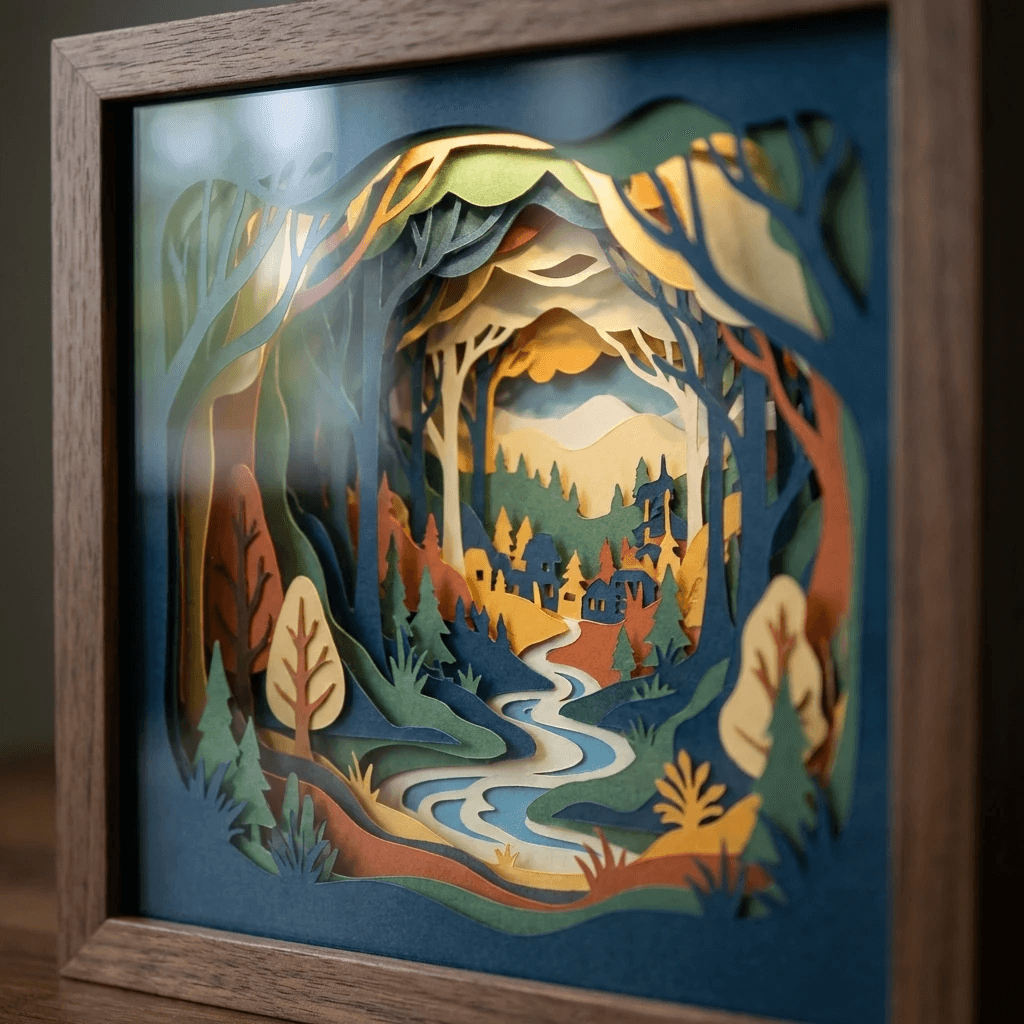
Sketch cleanup

Sketch cleanup

Convert rough lines into geometry suitable for cutting and print.
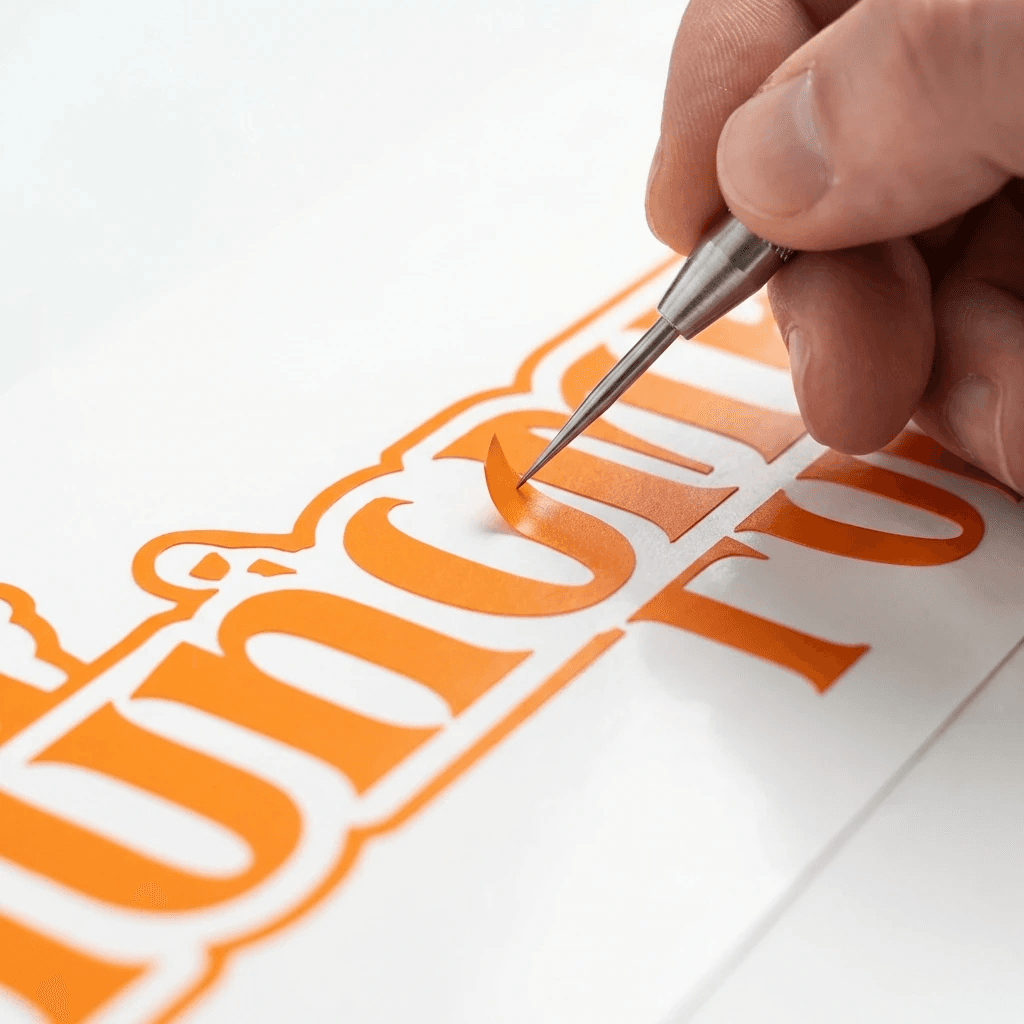
Layout finishing

Layout finishing

Balance spacing and hierarchy for polished production output.

Capability map

Full feature depth for creators, makers, and production teams.

AI creation + transformation

  • Prompt-driven concept generation with editable output
  • Photo cleanup and style remastering
  • Sketch conversion into cleaner vector structure
  • Fast alternate generation for approvals

Precision editing toolkit

  • Path cleanup, simplify, weld, and offset operations
  • Typography controls for production-safe layout
  • Layer-safe edits for material and color separation
  • Consistent visual quality before export

Template customization

  • Start from singles or bundles in your account library
  • Adjust text, color, and layout in minutes
  • Use templates as launch pads for custom designs
  • Send final files directly to your production flow

Collaboration + messaging

  • Plan-based shared workspace limits
  • Contextual comments and revision notes
  • Secure in-workspace project messaging
  • Role boundaries for cleaner handoff

Output and production packs

  • SVG, DXF, EPS, PDF, PNG, JPG, and ZIP support
  • Validation checks for print and cutter reliability
  • Faster, cleaner downstream production
  • Reusable packaging for recurring jobs

Trust + security controls

  • Access-bound API protections
  • Workspace permission boundaries
  • Project activity visibility for teams
  • Secure-by-default collaboration settings

Move from fragmented tools to one modern AI studio.

Start quickly with templates, then scale into deeper AI creation, collaboration, and validated exports.

Cut-ready outputsProduction exports

Essential cookies active.